I'm always looking for ways to stay current with new software and industry updates, so I regularly take online courses through Bring Your Own Laptop (I know, terrible name), taught by Daniel Scott. I'm currently working through his Figma and Procreate courses, which are incredibly comprehensive and require a significant amount of work to earn a certificate. I also use his site as a reference library because I believe it's important to stay fluent in all of the software applications I use.
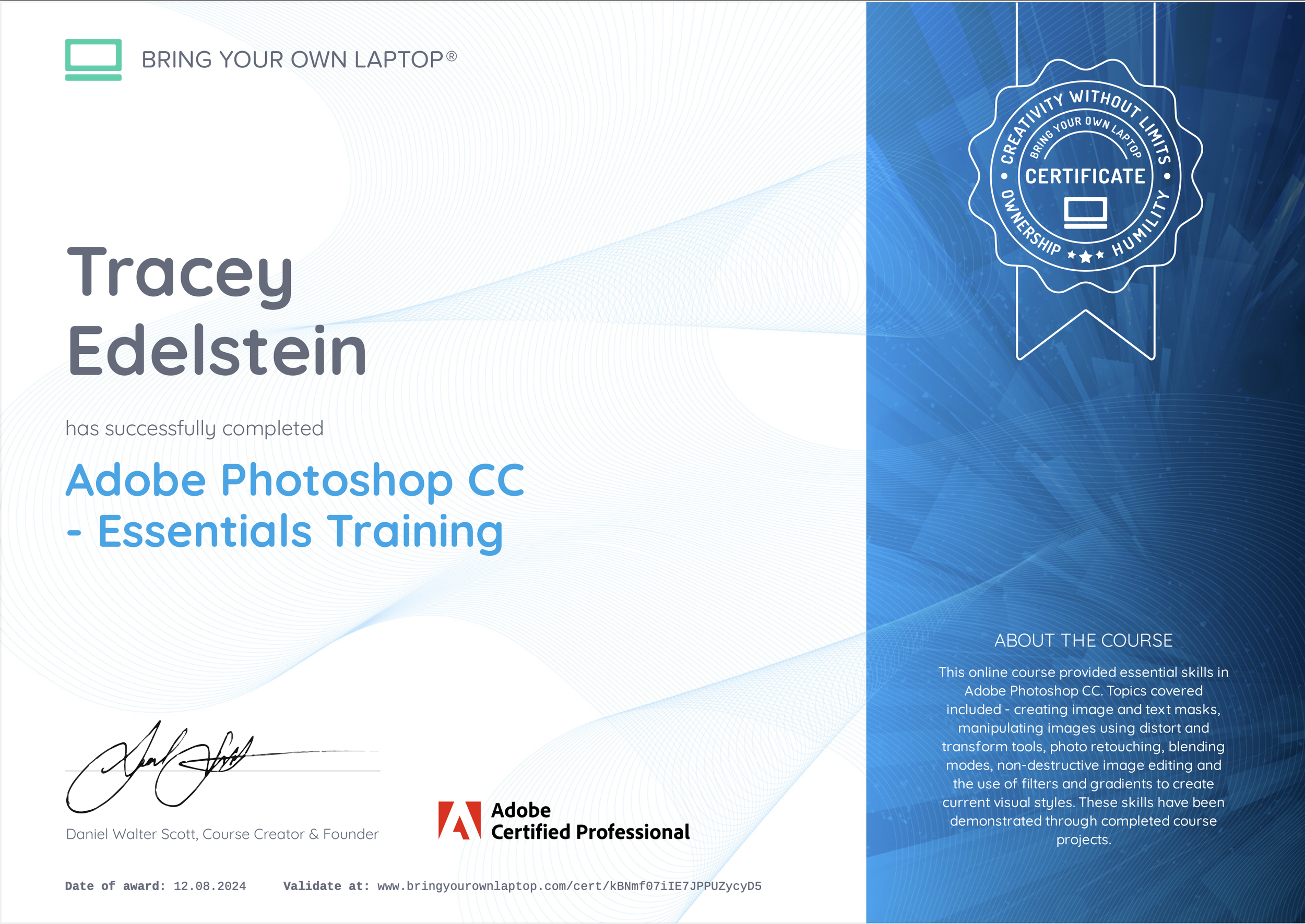
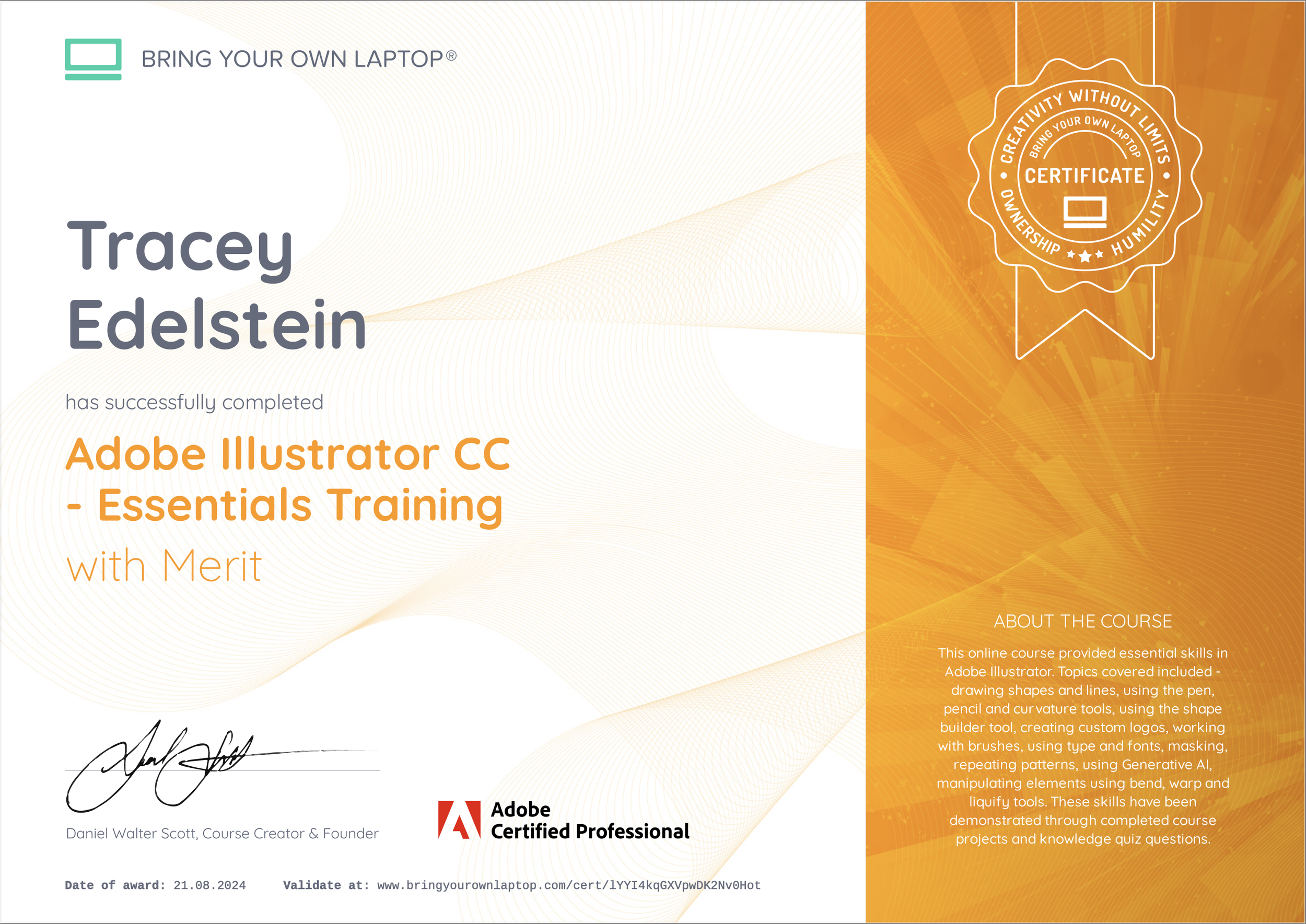
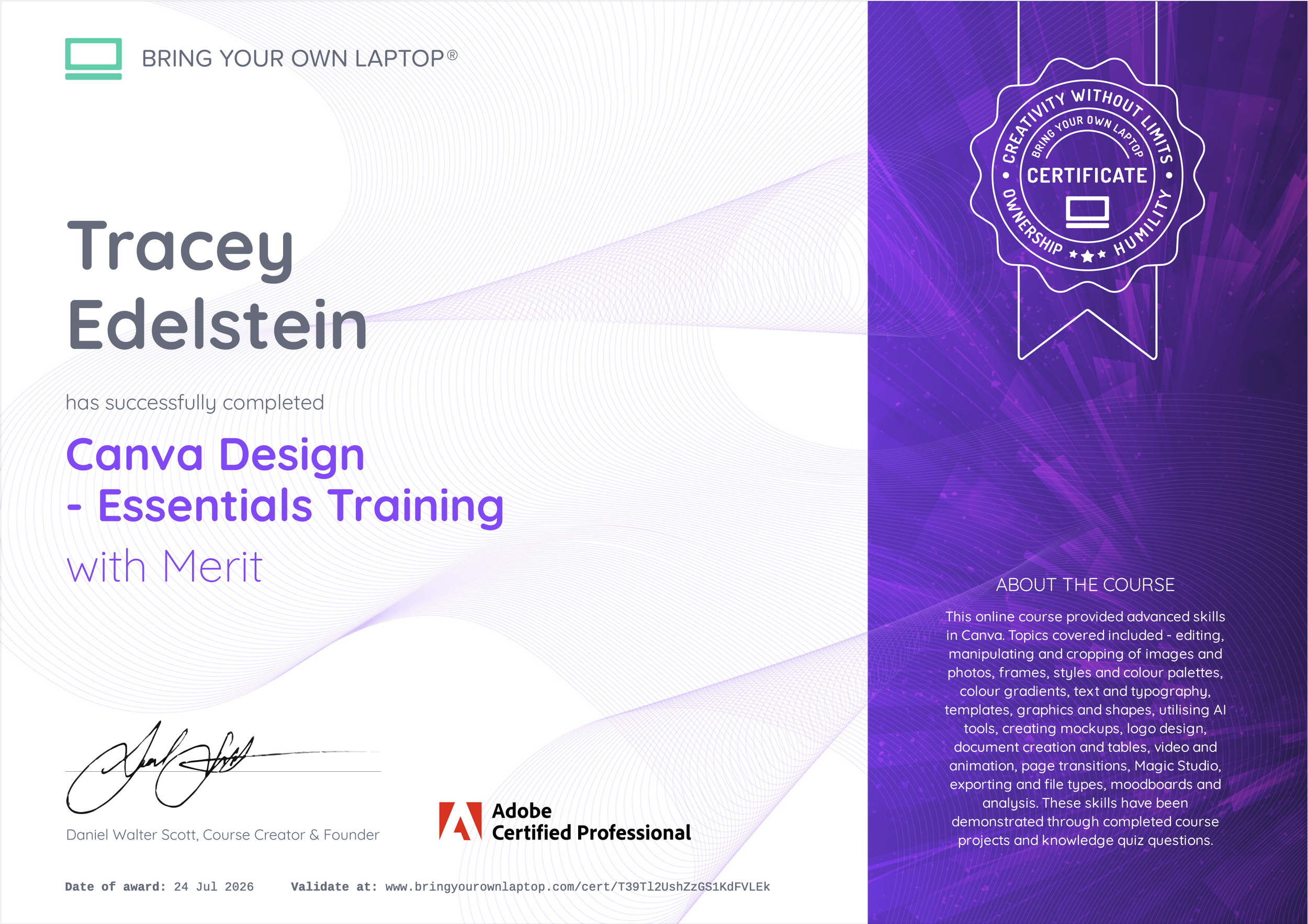
How our students earn certificates
Our students earn their certificates by watching a structured course syllabus of videos, following along with practical exercises and completing class projects. For some of our certificate levels, students also complete knowledge quizzes and final creative projects. Students are supported by our team of Teaching Assistants while they work towards their certificates and all submitted class projects are checked by our team before awarding the certificate.
About Bring Your Own Laptop
Bring Your Own Laptop is a world class learning platform for all. We specialise in courses for Adobe and other industry leading creative software. Our courses are created and delivered by Daniel Walter Scott, an authorized Adobe instructor & winner of 2 Adobe MAX awards as well as our approved creative partners.
"Here at Bring Your Own Laptop, I'm continually trying to make the world’s best courses for creatives and helping people become the best designers they can be."
- Daniel Walter Scott
This online course provided essential skills in Adobe Photoshop CC. Topics covered included - creating image and text masks, manipulating images using distort and transform tools, photo retouching, blending modes, non-destructive image editing and the use of filters and gradients to create current visual styles. These skills have been demonstrated through completed course projects.
This online course provided essential skills in Adobe Illustrator. Topics covered included - drawing shapes and lines, using the pen, pencil and curvature tools, using the shape builder tool, creating custom logos, working with brushes, using type and fonts, masking, repeating patterns, using Generative AI, manipulating elements using bend, warp and liquify tools. These skills have been demonstrated through completed course projects and knowledge quiz questions.
This online course provided advanced skills in Canva. Topics covered included - editing, manipulating and cropping of images and photos, frames, styles and colour palettes, colour gradients, text and typography, templates, graphics and shapes, utilising AI tools, creating mockups, logo design, document creation and tables, video and animation, page transitions, Magic Studio, exporting and file types, moodboards and analysis. These skills have been demonstrated through completed course projects and knowledge quiz questions.